
Dinner is handled.
Plan the week, save recipes, and build your grocery list. Everyone knows what’s for dinner.
Step 1
Plan ahead
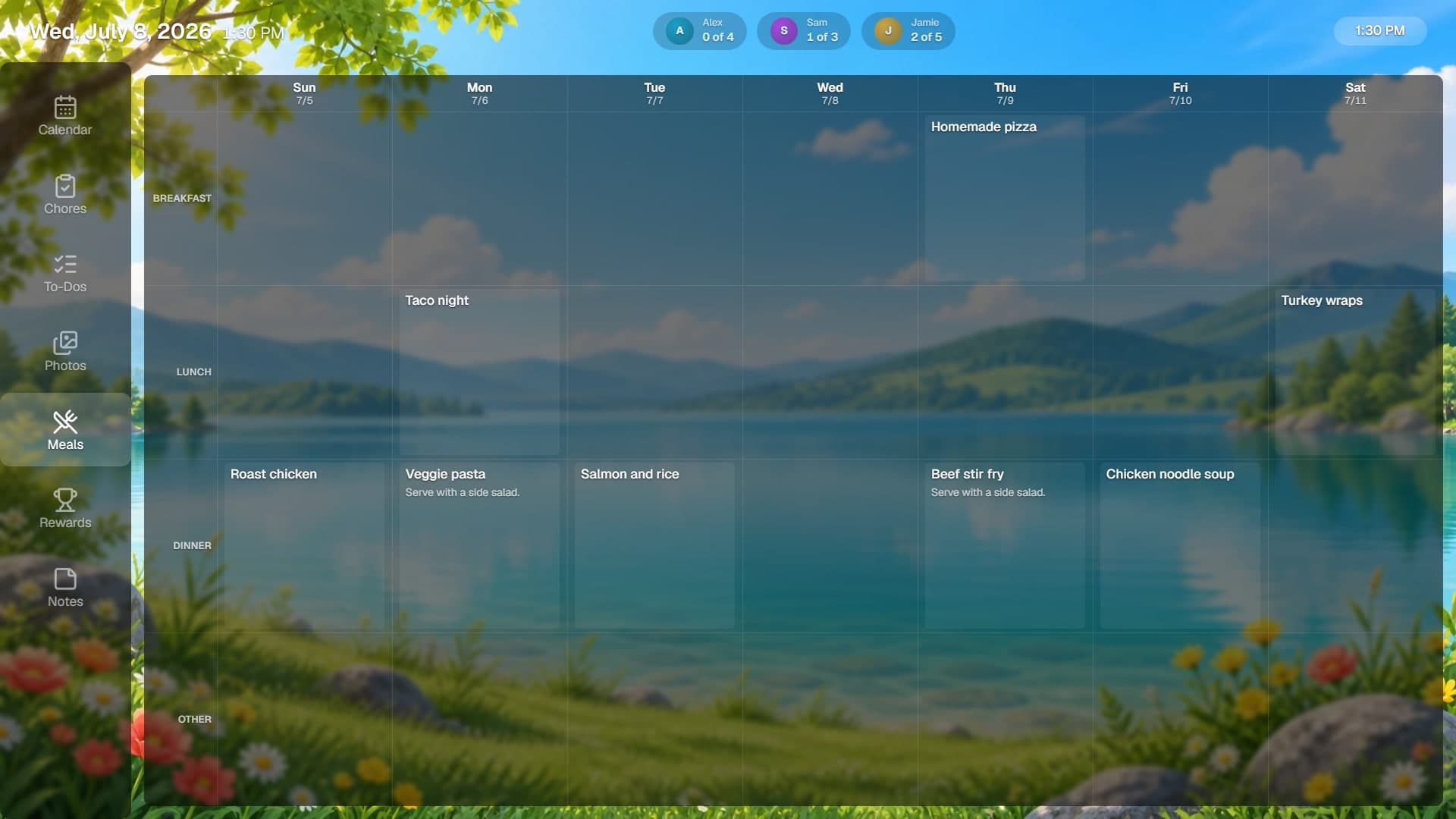
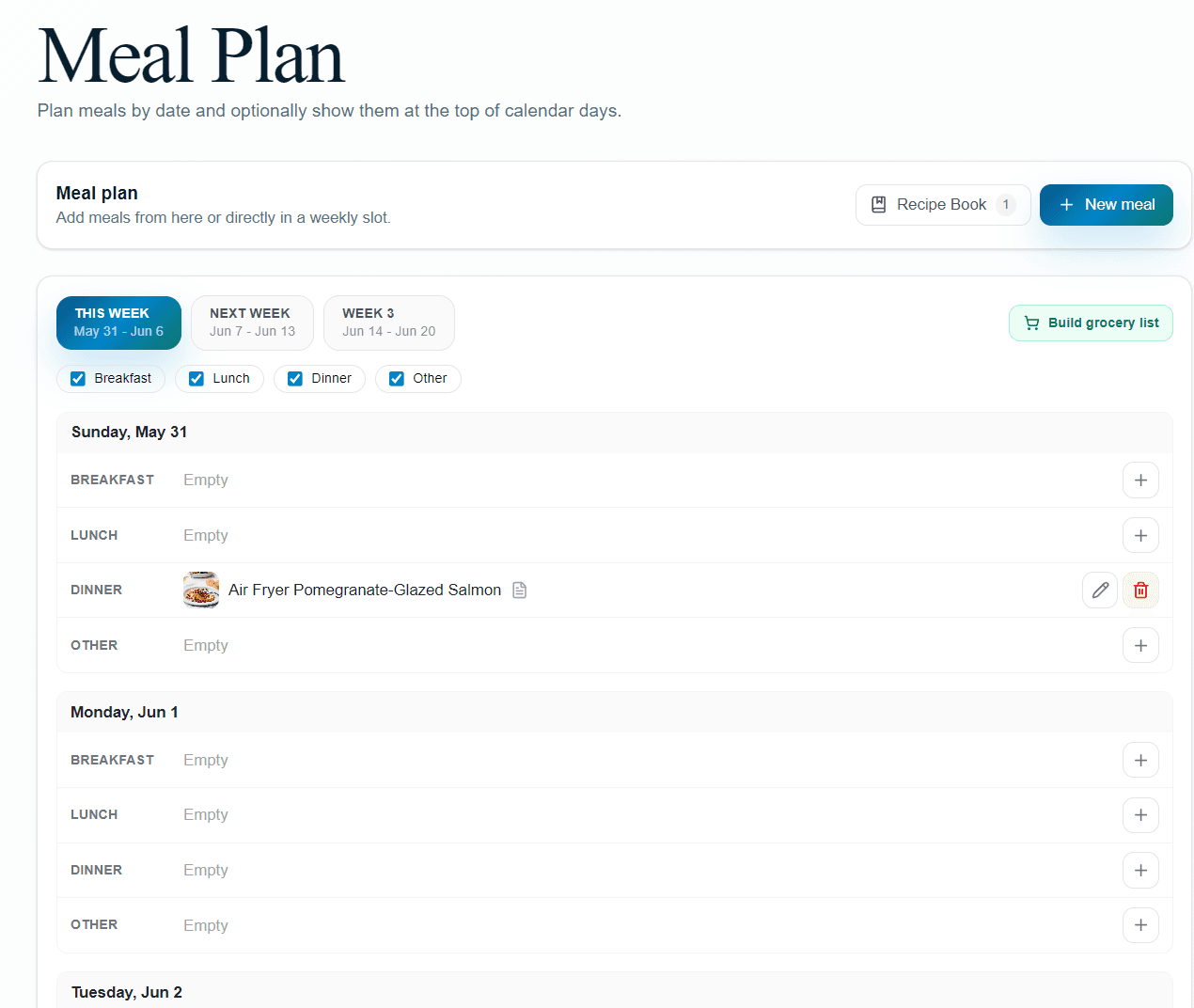
Fill in the week a meal at a time, or several weeks if you think that far. Breakfast, lunch and dinner each have their own slot, and the whole plan shows up on the display without anyone asking what's for tea.
Step 2
Keep your favourites
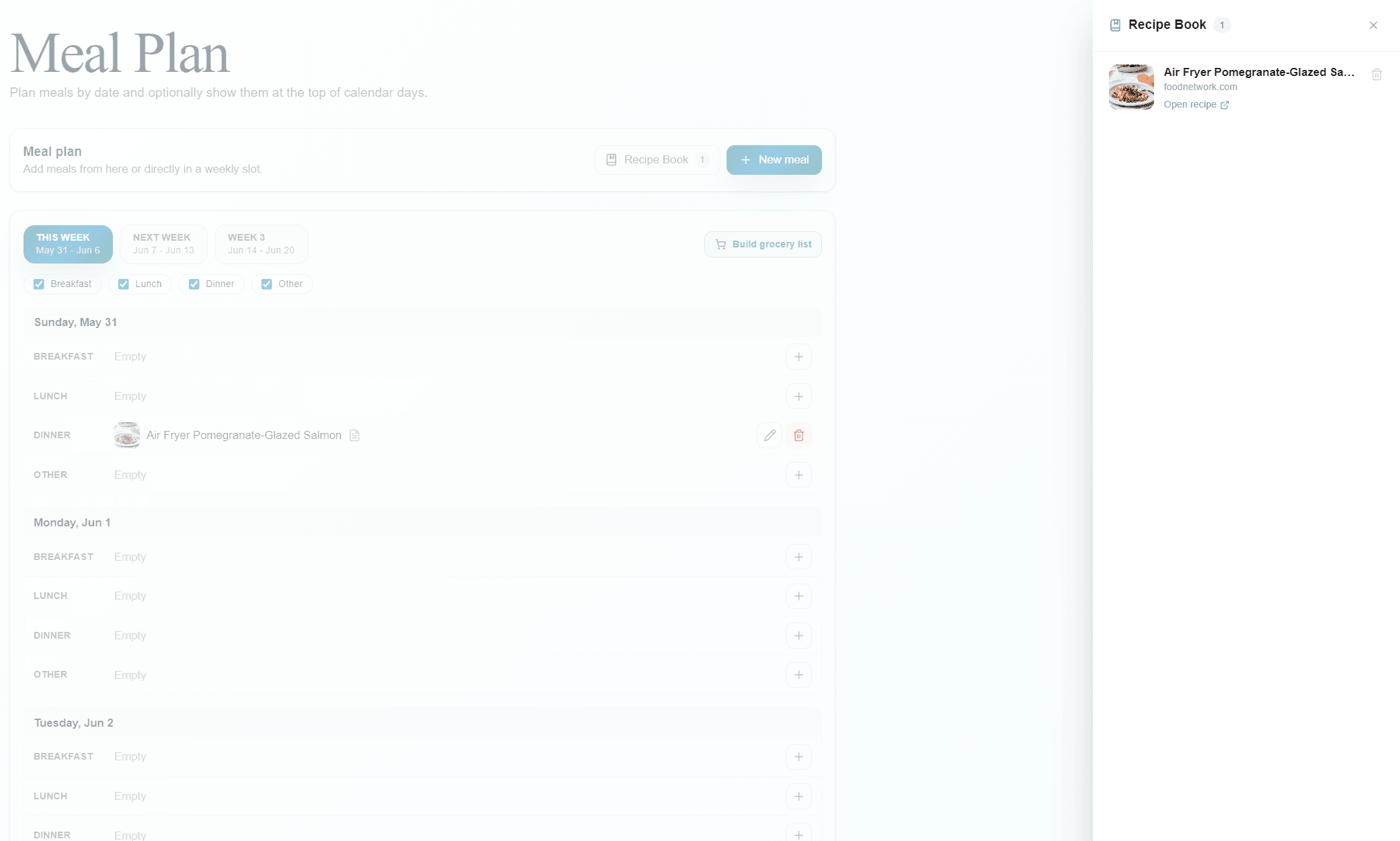
Save the meals you actually cook to your Recipe Book so you are not retyping them every month. Paste a URL from a site that publishes standard recipe data and Flowboard reads the name, image and ingredients from the page.
Step 3
Build the list
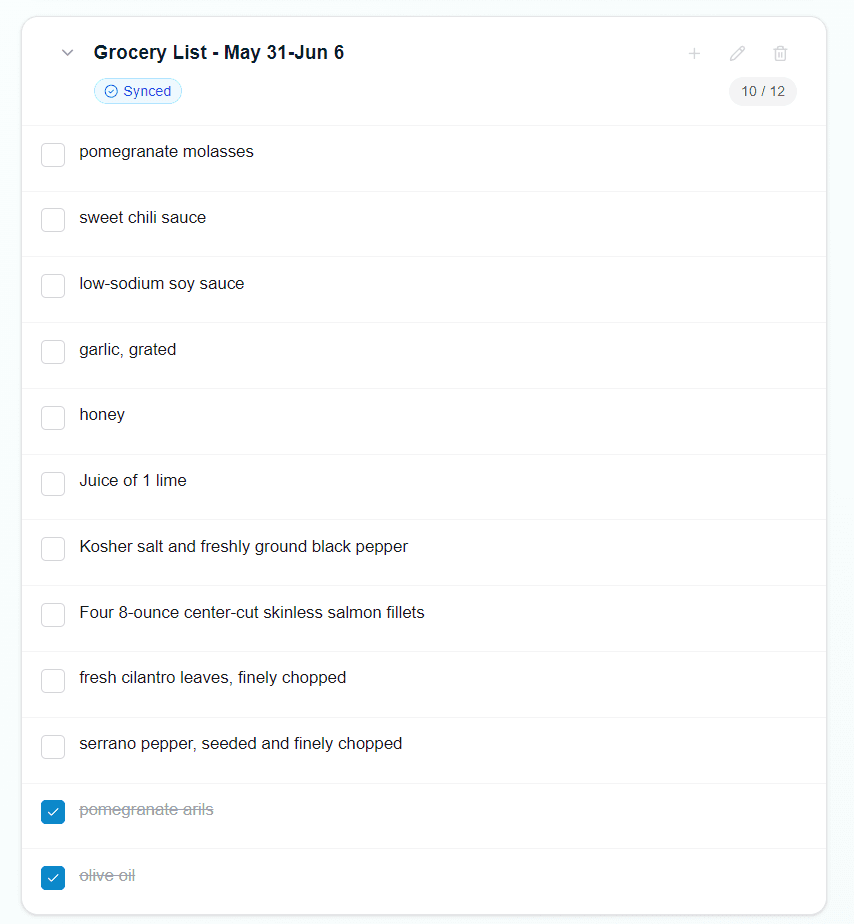
One tap turns the week's meals into a shared, checkable grocery list. Ingredients that appear in several meals are added once, and anything already on the list is left alone.
The details
Which recipe sites can I import from?
Sites that publish standard recipe data on the page, which covers most of the large recipe sites. Flowboard reads the name, cover image and ingredient list from that data. A page without it cannot be imported automatically — you can still add the meal by hand.
Does the grocery list sync to Google Tasks?
It can. Connect Google Tasks and turn sync on for the list, and it stays in step so anyone can check items off from their own phone. It is an optional connection, not something every list does by default.
Can I edit a meal after adding it?
Yes — change the name, the slot, the day, or the notes at any time from the meal plan page. Notes ride along to the display, which is handy for “defrost this in the morning”.
What shows on the display?
The week's menu, laid out by day. On a Delta board it is the Meals screen; on a custom layout it is the Meal Plan widget, which you can size and place wherever it suits the room.