

Flowboard
Keep up with the current.
Calendars, chores, and meals on one shared screen. Keep everyone in the loop, without another reminder.
30 days of full access. No credit card required.
Free plan available after trial. Whole Board from $4.99/month.
By using Flowboard, you agree to the Terms of Service and acknowledge the Privacy Policy.
Connect & Register
Up and running in minutes
No complicated setup. Just install the app, scan the code, and your family display is live.
 Beta
Beta
 Soon
Soon Soon
SoonOpen Flowboard on your display
Install Flowboard on your device of choice: streaming stick, smart TV, tablet, iPad, Windows PC, or web browser. See all supported devices →
ABC123
Your pairing code appears here
Note the pairing code on your display
The app shows a unique six-character code and a QR code the first time it runs. Keep this screen open while you complete the next step from your phone or computer.
Pair a new display
Dashboard › Settings › Devices
Pair with a scan or a code
Scan the QR code on your TV with your phone and the display pairs in seconds. You can also sign in at Flowboard, head to Settings › Devices, and enter the code by hand. Either way, your display links instantly and is ready to configure.
Customize your widgets and go
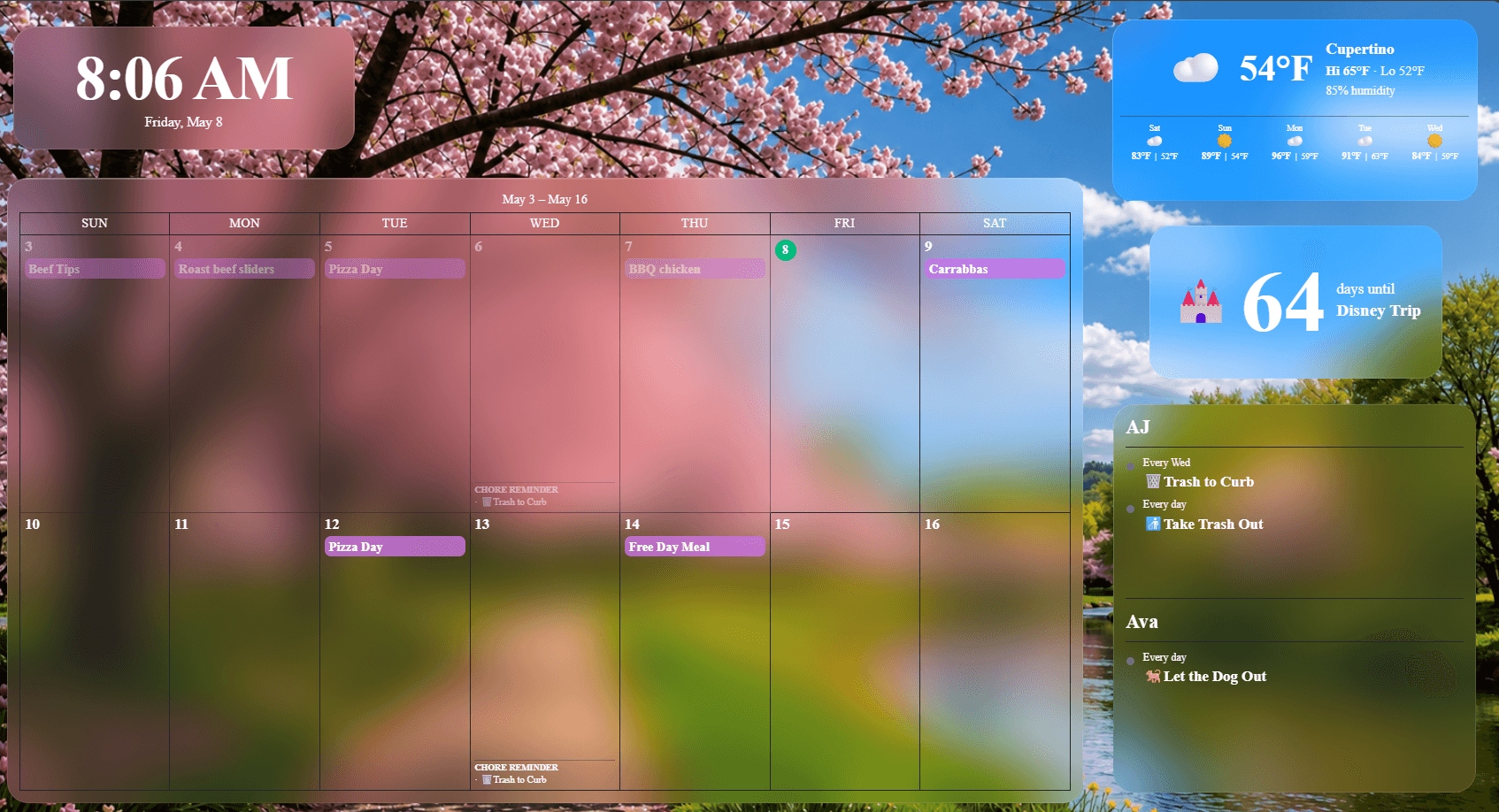
Guided setup covers the basics in four quick steps. Pick Delta and your board is ready right there, with tabs for calendar, chores, meals, and rewards. Prefer to build your own? Starter layouts look good from the first minute, and you can fine-tune everything from the dashboard on your phone or computer: connect calendars and task lists, set a background, and drag widgets into place with alignment guides. Either way your family checks off chores right on the display, by touch on a tablet or with the remote on a TV.
No credit card required
The routines that run your home
One shared screen for the three things a family keeps losing track of.
Everyone sees the same week
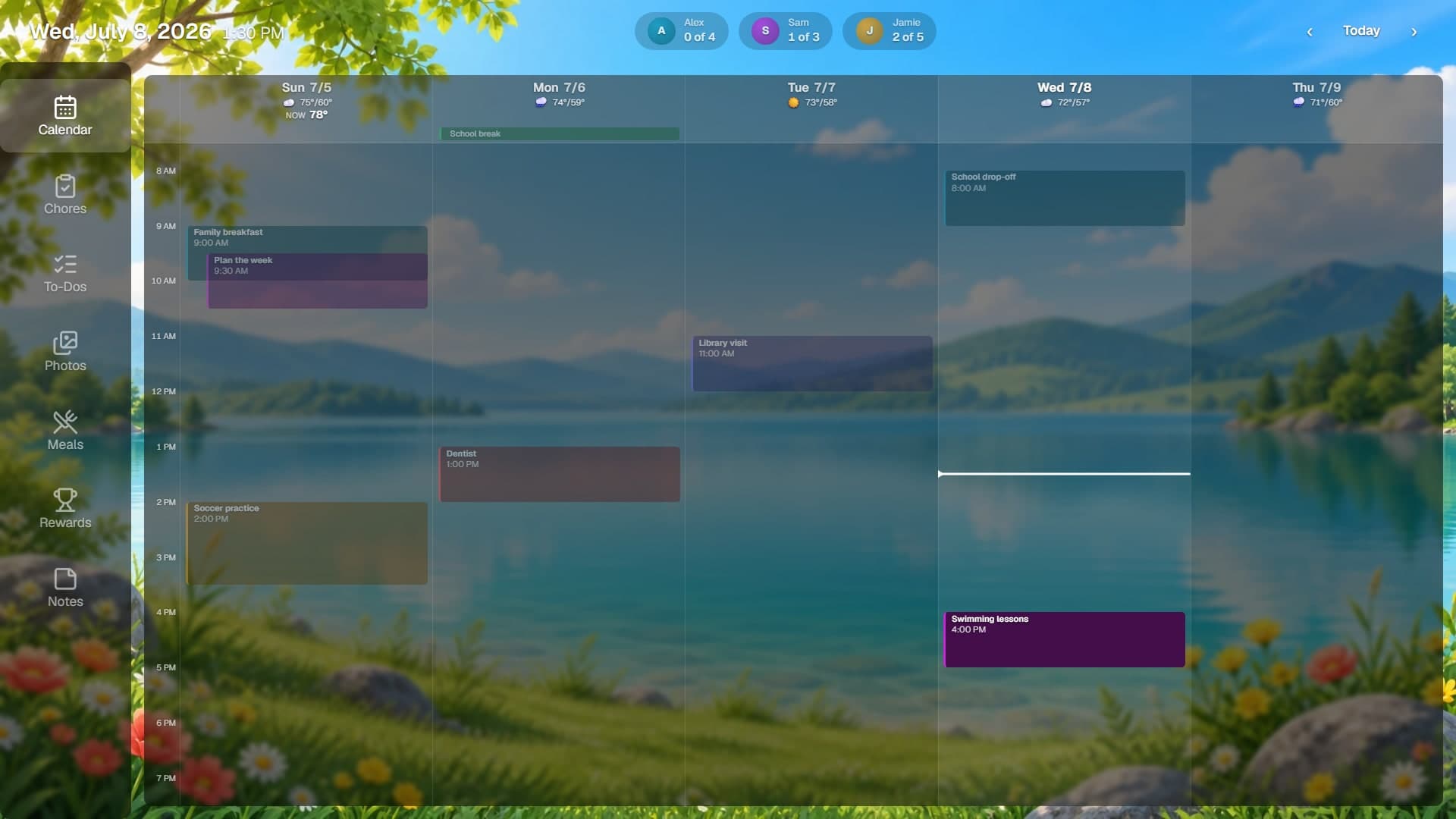
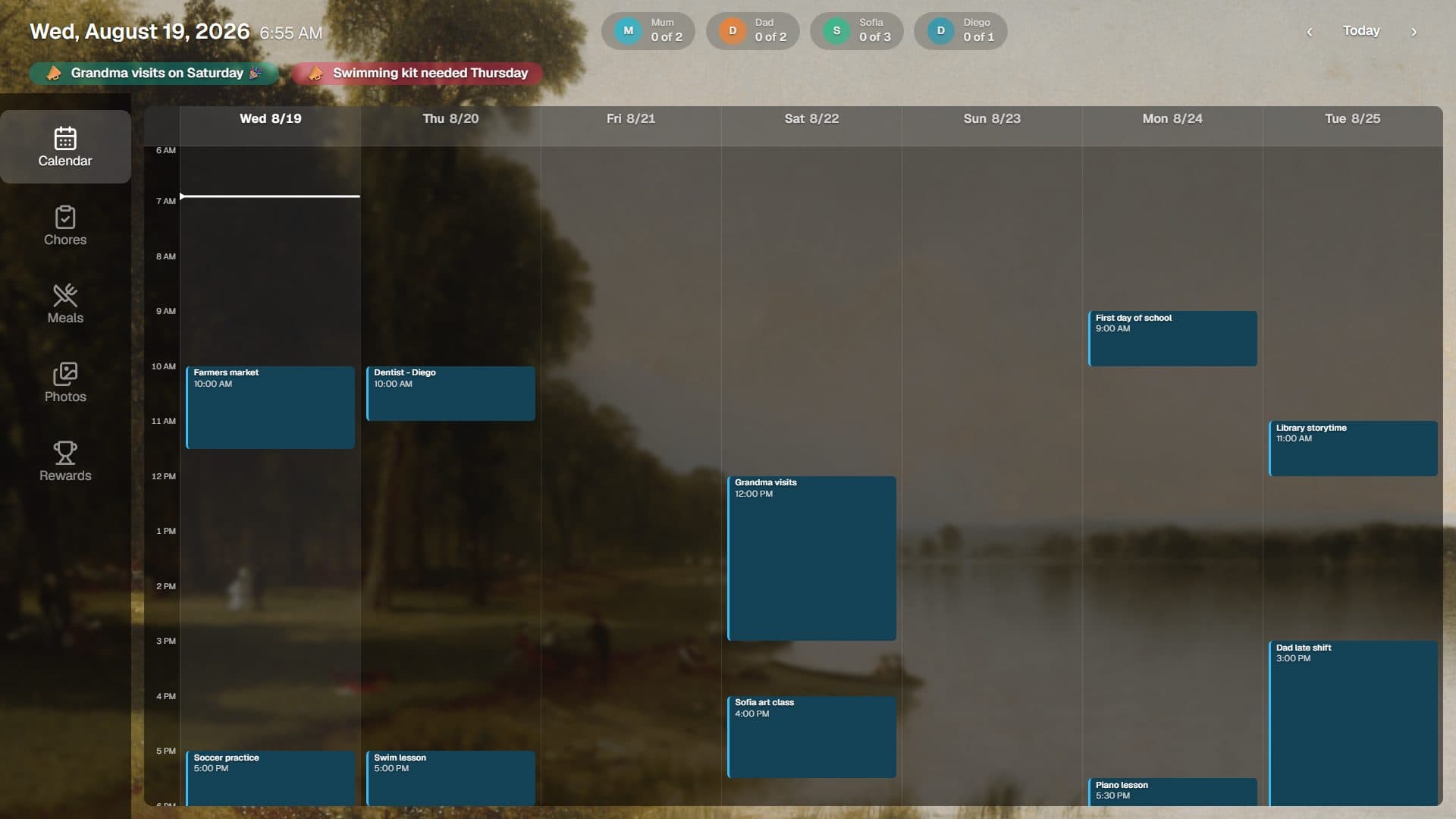
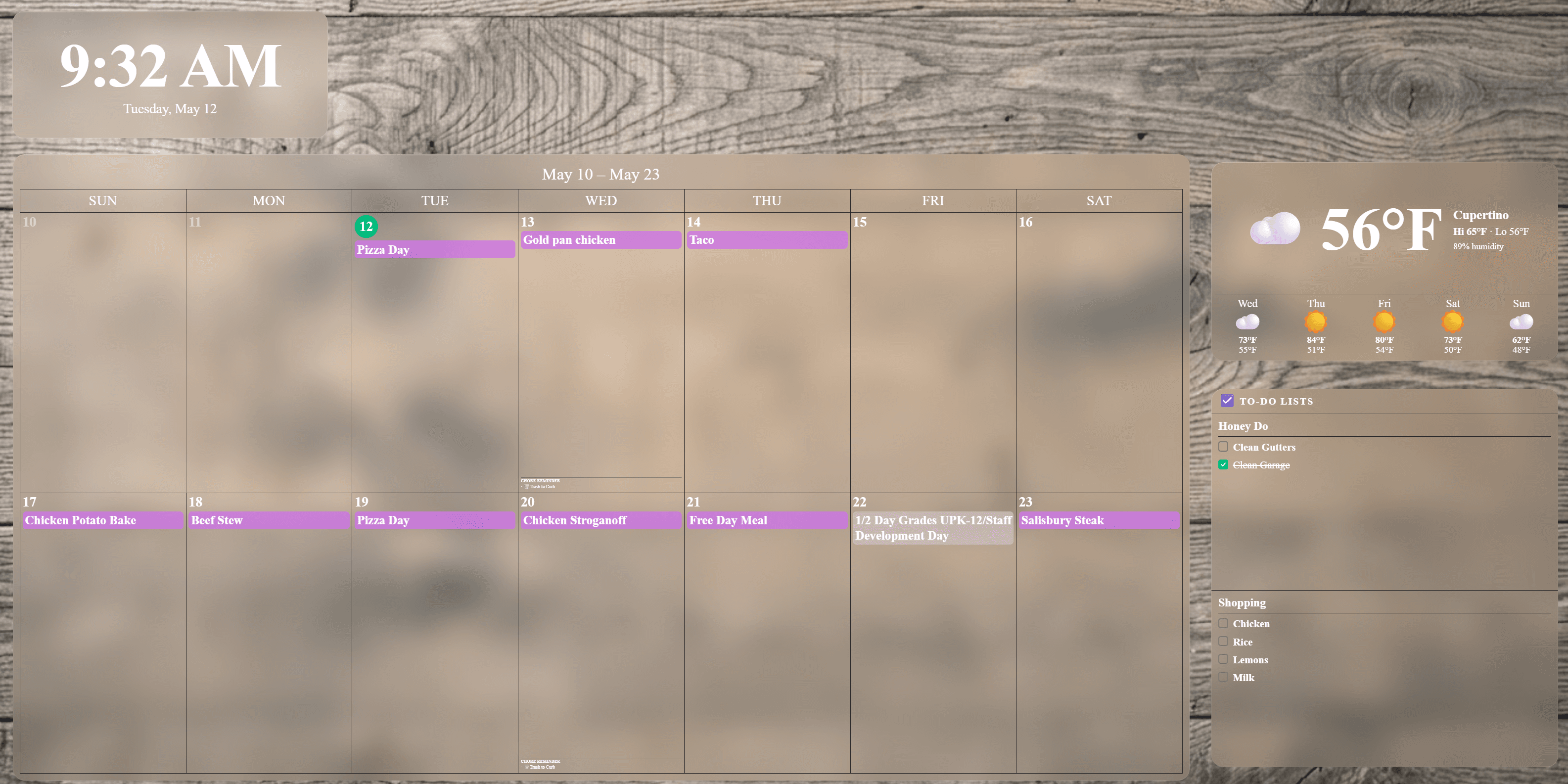
Connect Google, Outlook, or any iCal feed and the whole family's schedule lands on one screen. School, work, practice and appointments, laid out by the hour, with the weather for each day.
Chores that settle themselves
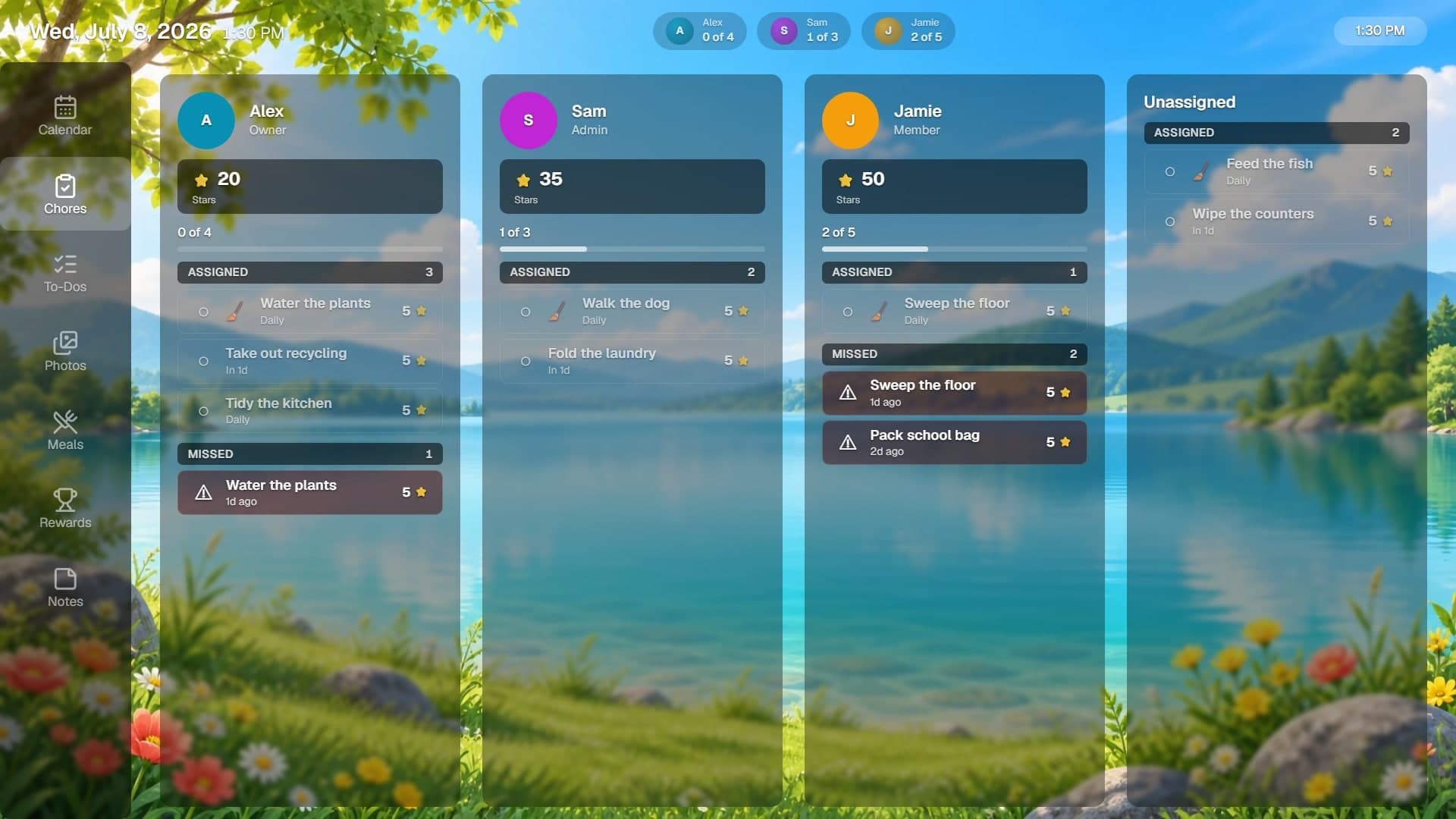
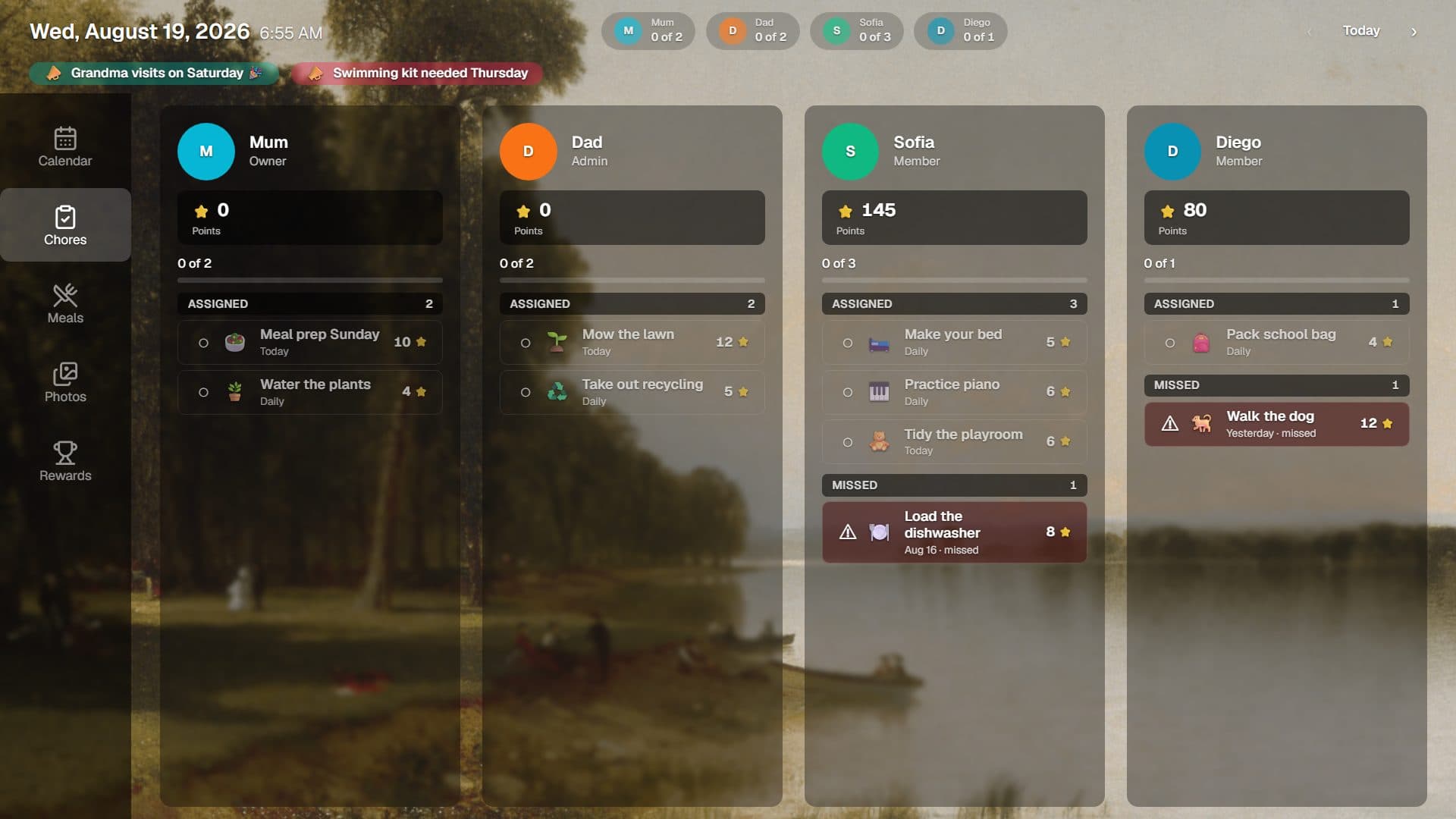
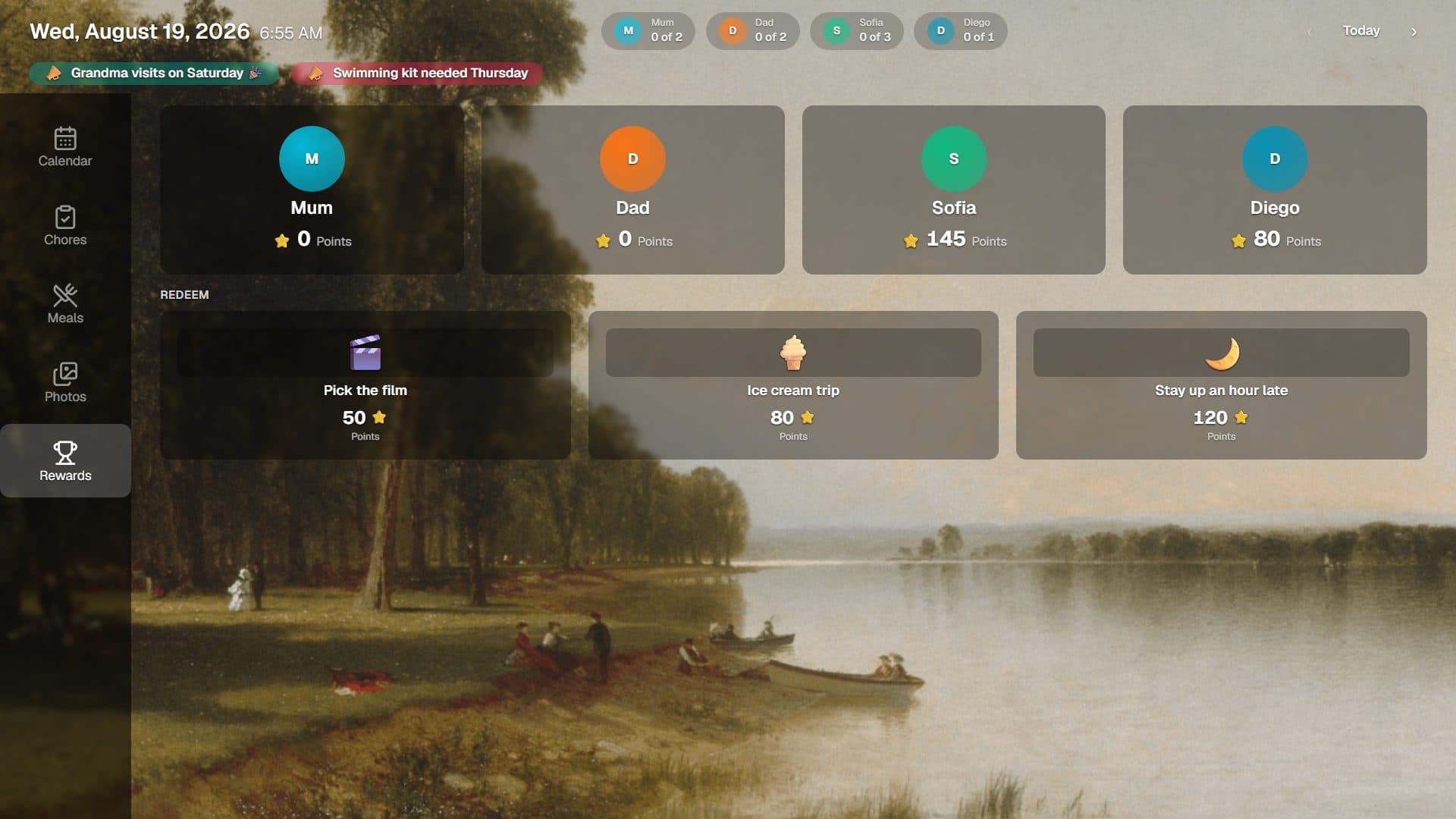
Give everyone a part to play. Each member gets their own column, chores carry points, and anything missed is obvious without anyone having to nag.
See chores and rewards →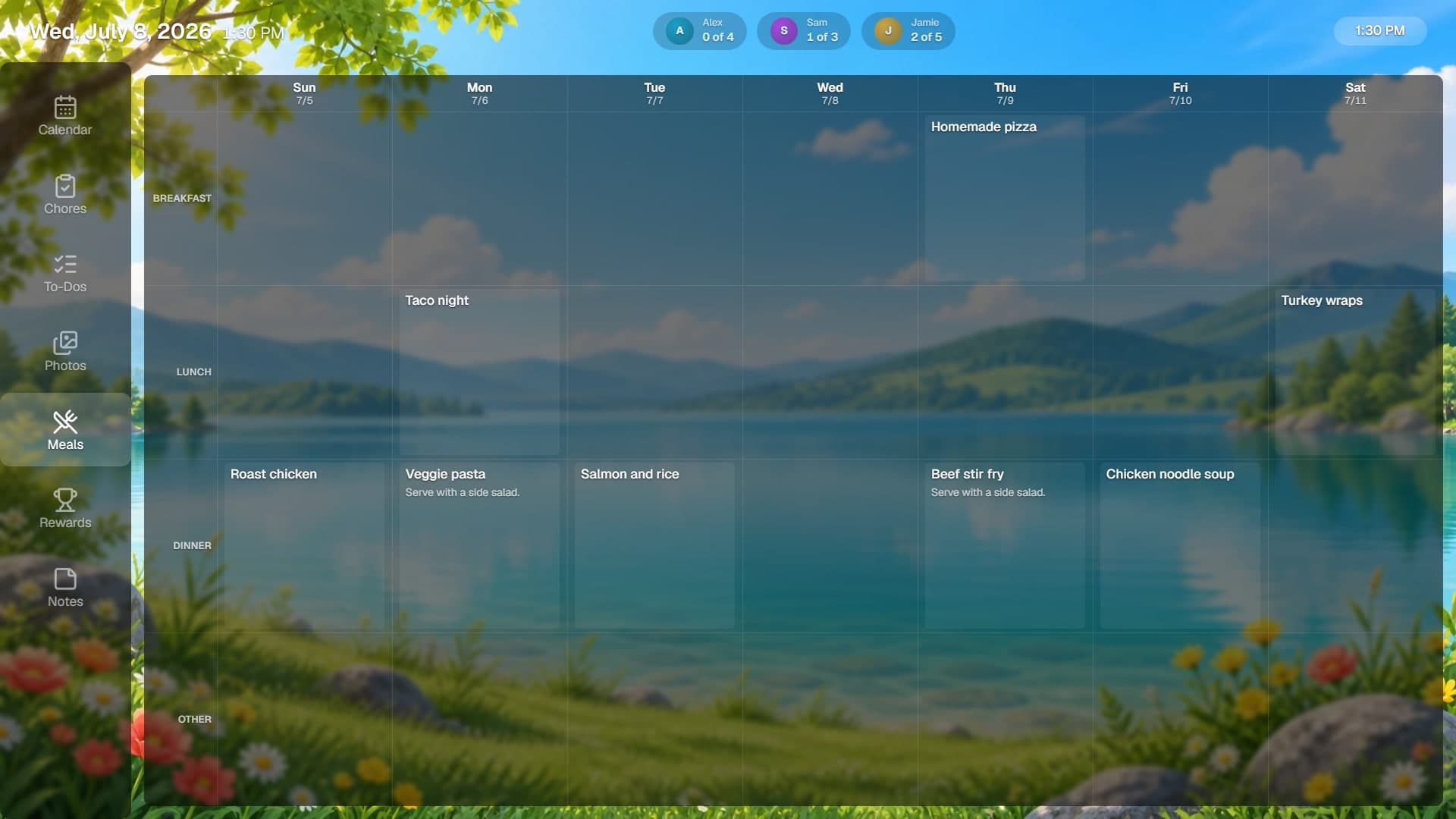
Dinner is handled
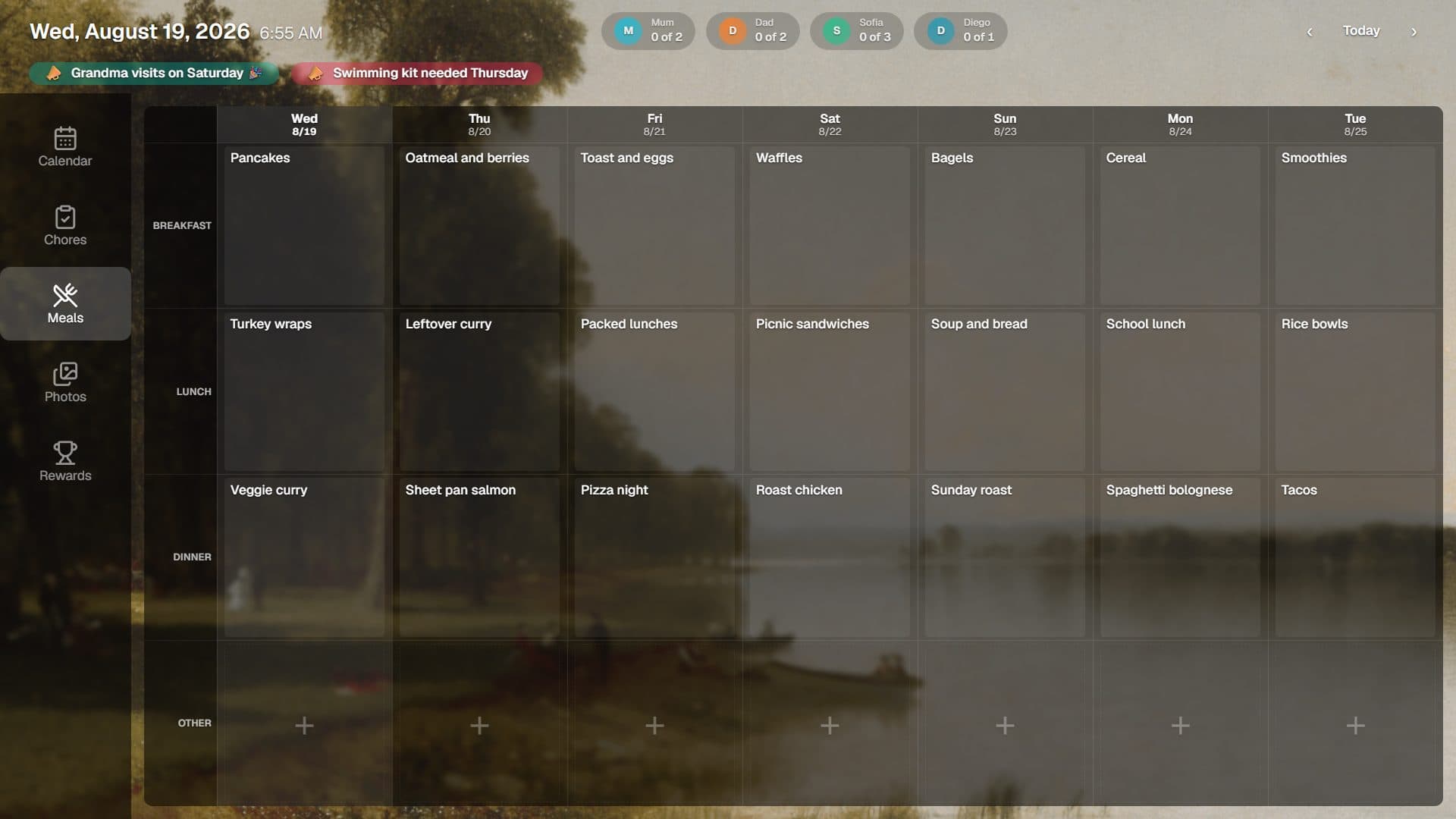
Plan the week, keep the recipes you actually cook, and build the grocery list from them. Everyone knows what is for dinner before they ask.
See meal planning →Bring your own display
No special hardware required.
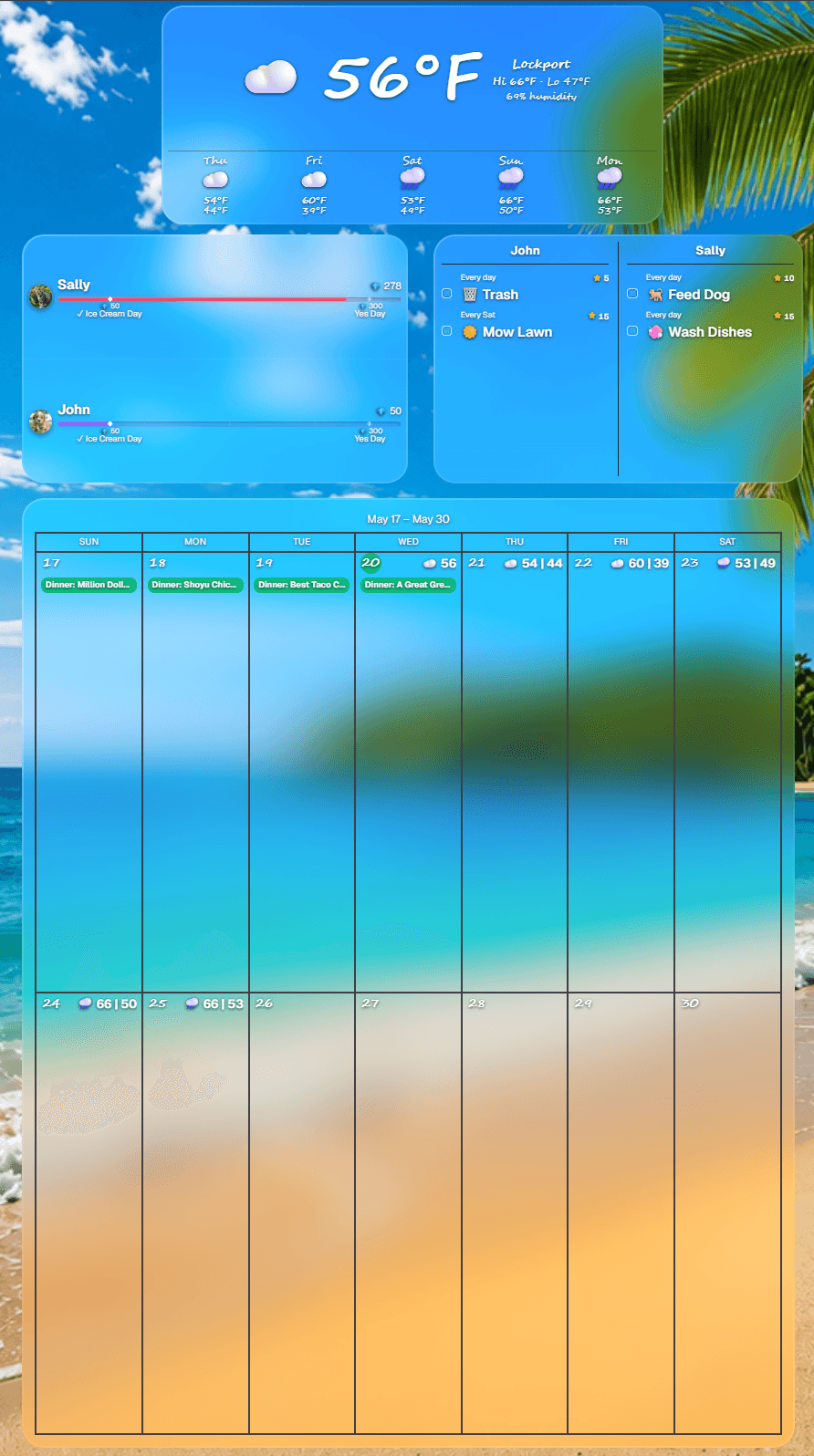
Works on the screen you already have. Streaming sticks, Samsung and LG smart TVs, tablets, iPads, Windows PCs, or a plain web browser. Landscape for TVs, portrait for wall-mounted tablets.
Google Play
Google TV & tablets
Coming soonAmazon Appstore
Fire TV & tablets
Available nowMicrosoft Store
Windows PCs & mini PCs
Available nowSamsung TV Apps
Samsung TVs, 2023 & newer
Coming soonLG Content Store
LG webOS TVs
Coming soonSee it in action
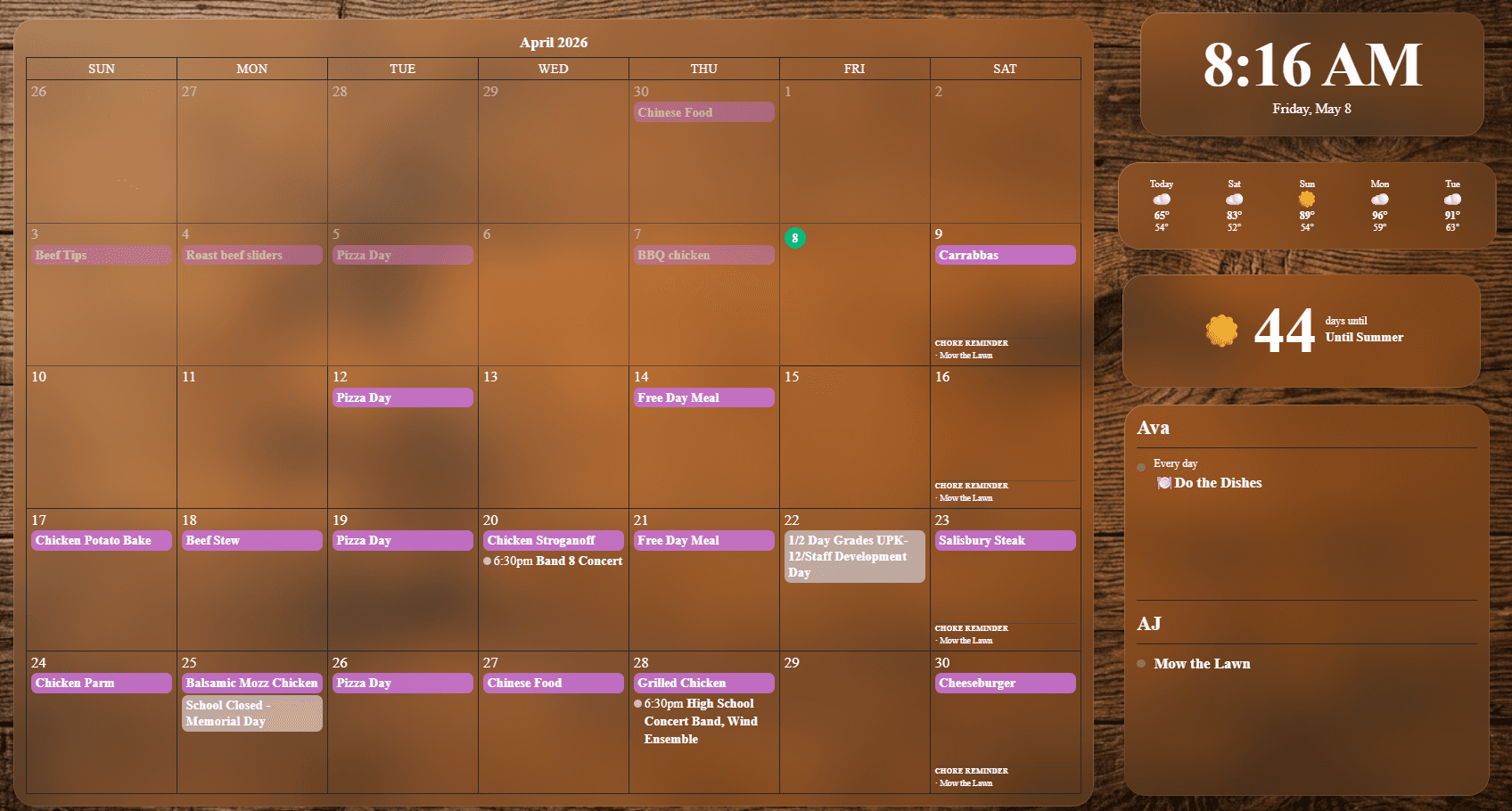
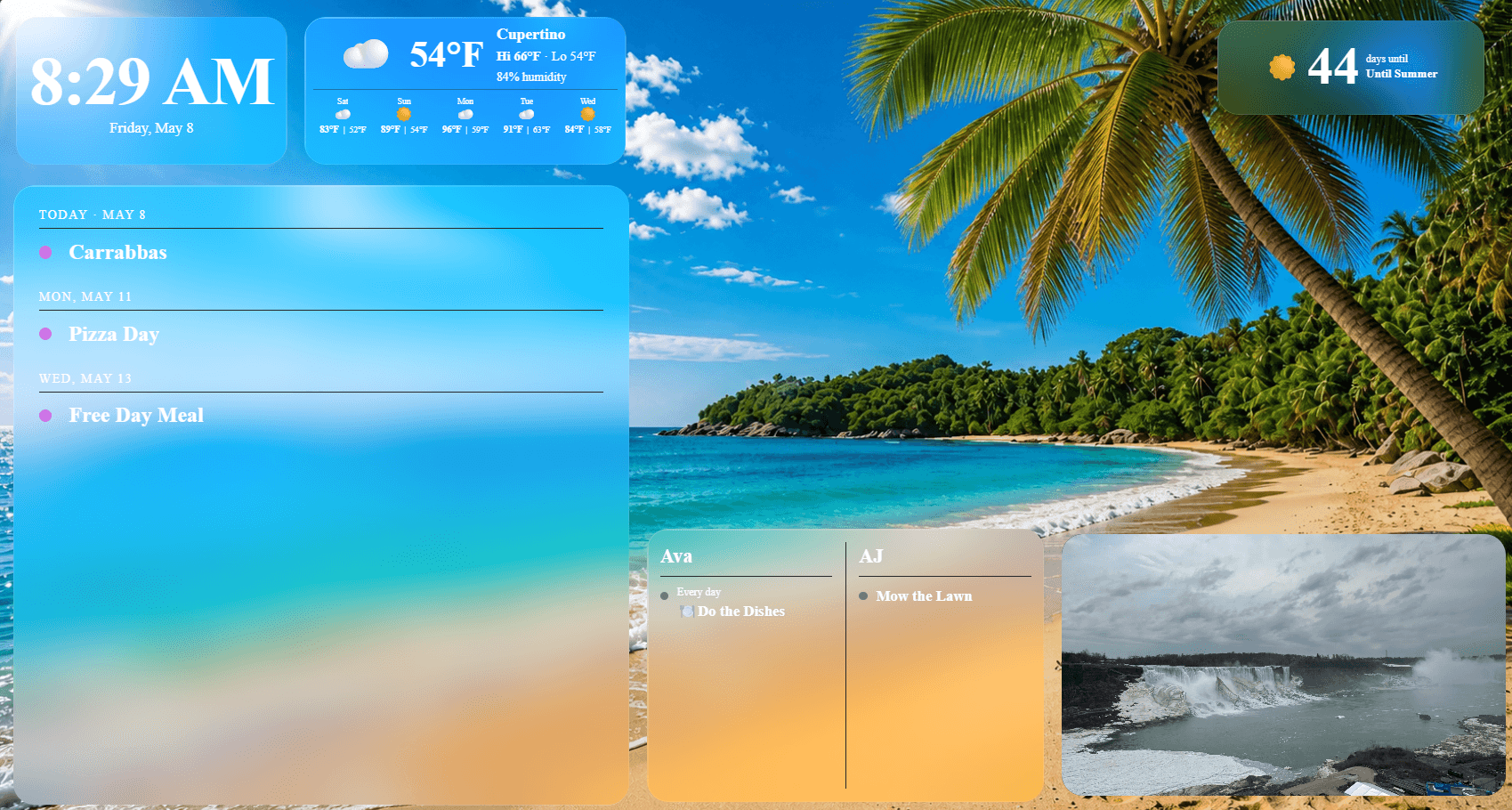
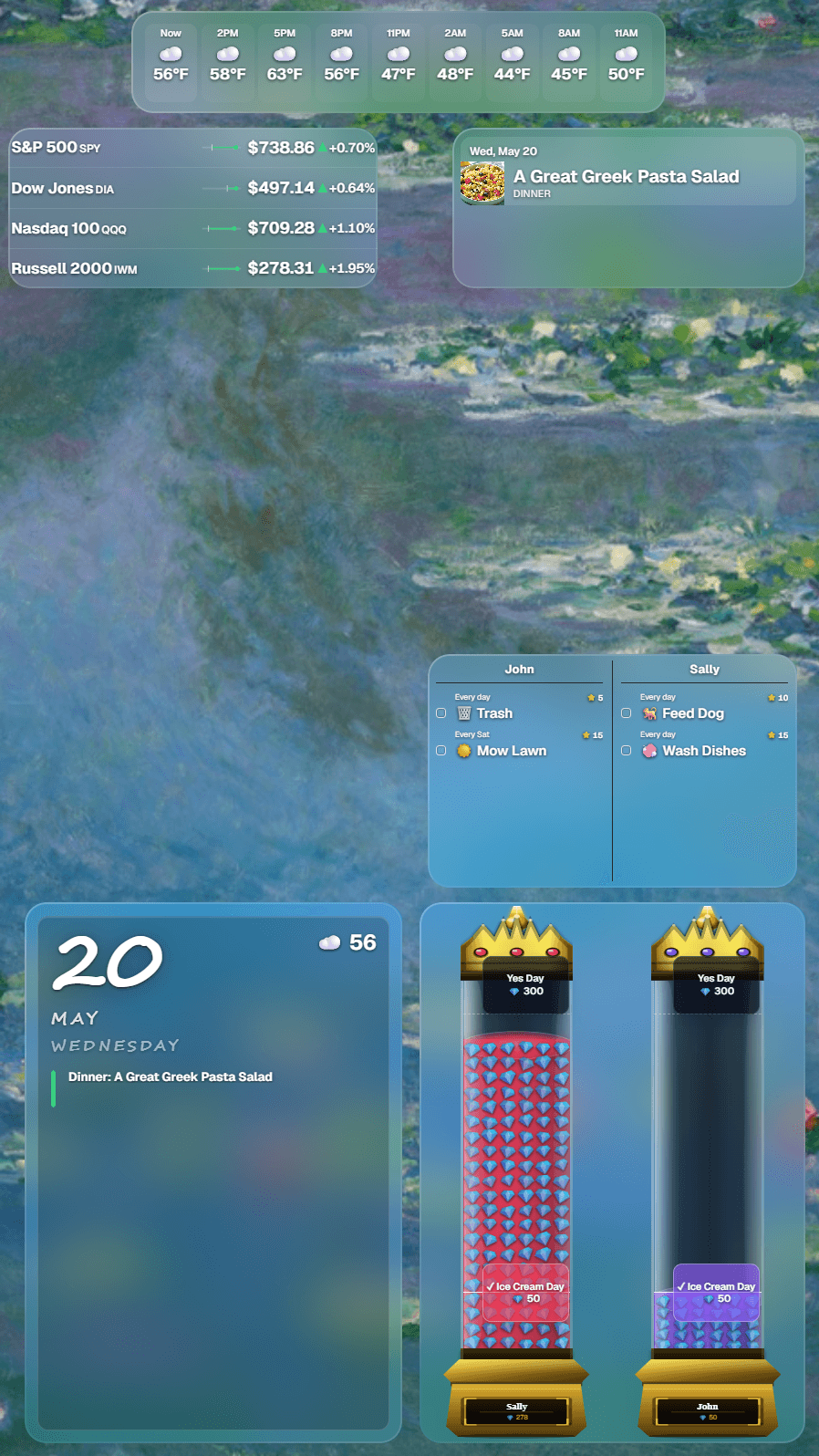
Two ways to run your board. Delta is ready the moment you pair a screen, with tabs for calendar, chores, meals, and rewards. Or build your own and mix and match widgets to fit your family's style, whether the screen is wide, tall, mounted, or handheld.


Pricing
Finally, family software without the upsell maze
Start with 30 days of full access and no credit card. After that, keep core widgets on the free plan or subscribe for the whole board.
Free
$0
Forever after trial. No card, no expiry.
Calendar and weather on your display.
Clock and daily quotes.
Widget customization and included backgrounds.
1 display included.
Full trial first, no credit card required
Whole Board Access
$4.99/month
Covers 2 displays. Add more for $2.99/month each.
Includes a 30-day full access trial with no credit card.
Chores, rewards, todos, countdowns, photos, Tributary PDF imports, and more.
No hidden fees. No feature tiers.
Full access to every tool Flowboard builds.
Choose free or paid when the trial ends
Refer a friend, get a free month. Share your personal link from the app. When your friend subscribes, one month of Flowboard comes off your next bill.
Free plan workspaces with no dashboard sign-in or active display connection for 30 days may be removed. Cleanup applies to workspace data only: account history, trial records, and billing history are preserved.